 1K
1K

Tattoo Master 3D: Crazy Art - Professional Inking & Skin-Art Simulation
What is Tattoo Master 3D?
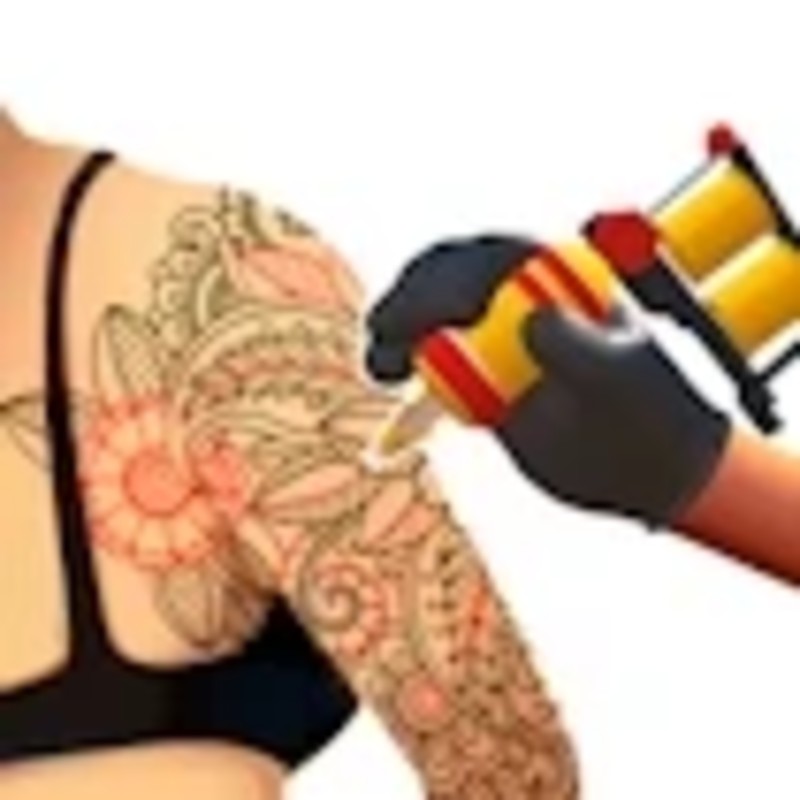
Tattoo Master 3D: Crazy Art is an immersive, high-precision simulation that translates the complex technical skills of professional tattooing into an accessible digital sandbox. Players assume the role of an artist, managing every stage of the inking process, from anatomical stencil placement to the nuanced execution of line work and shading. The 2026 G+ G PLUS edition, hosted on Decent Games, leverages the "Ink-Flow 4.0" engine to simulate needle haptics and real-time skin-reactive physics, demanding both artistic steady-handedness and technical understanding of depth, color layering, and machine management.
🎮 Gameplay Overview
-
Ink-Flow 4.0 Physics: The simulation models skin as a reactive, multi-layered mesh. Your "Ink-Flow" is determined by pressure, stroke speed, and needle depth—forcing you to balance stylistic flair with the physiological realities of the client's skin.
-
Stencil & Anatomical Logic: Before inking, precision is required in stencil application. Proper alignment across joints and muscular contours is essential to minimize "Bleed Risk" and achieve professional-grade geometric accuracy.
-
Advanced Color Theory: The engine accounts for skin tone and pigment opacity. Successfully executing a "double-pass" technique on challenging pigments (like light blues or yellows) without causing trauma earns the "Master Shaper" multiplier, which is essential for leaderboard dominance.
-
Technical Preservation (2026 Build): The 2026 update introduces "Needle Buzz" spatial audio, providing granular feedback on your machine’s performance. High-performing artists use these auditory cues to adjust their stroke pressure in real-time, matching the machine’s resonance to the skin’s density.
🕹️ Official Control Guide (The Ink Pro)
| Action Matrix | Desktop (PC / Keyboard) | Operational Tactical Inking Focus |
| Apply Ink / Draw | Left Click + Drag | Navigate the needle with steady, controlled strokes. |
| View Manipulation | Right Click + Drag | Rotate the client's limb to reach difficult anatomical curves. |
| Needle Selection | 1 - 4 Keys | Cycle through liners, shaders, and specialty needles. |
| Color Palette | Click Palette | Select pigments; consider skin-tone opacity requirements. |
| Undo / Correction | Ctrl + Z | Revert recent strokes to maintain high accuracy scores. |
| Studio Hub | Esc Key | Pause the session to access your portfolio or social feed stats. |
💡 Artist Tactics: Professional Inking Strategies
Utilize the "Stencil-First" Meta 📜
Never underestimate the prep phase. In the 2026 engine, a stencil applied off-center creates "drape" over muscular contours, which distorts your final image. Spend the extra 5-10 seconds during the application phase to adjust the scale and rotation. A perfectly aligned stencil reduces "Bleed Risk" by 30%, which is the difference between a high-accuracy bonus and a failed commission.
Master "Depth Control" to Prevent Trauma 💉
The most common mistake is over-tapping, which leads to "Skin Irritation" (the client's Pain Meter). Instead of short, erratic taps, utilize long, smooth, continuous strokes. This mimics professional technique: the machine creates a steady flow of ink, and the skin remains under consistent pressure. This not only keeps the client's pain meter in the green zone but also results in significantly sharper, cleaner lines.
Apply the "Color Theory" Double-Pass 🌈
When using lighter pigments (yellows, light blues, pastels) on darker skin tones, a single pass will look faint or washed out. Use the "double-pass" technique: execute your first pass to establish the shape, then go back over it with a slightly lower needle pressure to saturate the pigment. This layering process is key to unlocking the "Master Shaper" multiplier, which is mandatory for the "Supreme Illustrator" badge.
Maximize the Social Media Buff 📸
Your work is not finished when the ink is dry. Always enter Photo Mode to capture the final piece. The in-game social feed is not just aesthetic—it is a currency generator. High "Like" counts from the virtual community translate directly into currency, which is the only way to acquire premium neon, UV-reactive, or glow-in-the-dark ink sets for late-game commissions.
🌍 Unblocked & Device Compatibility
Play Tattoo Master 3D unblocked securely at work or school via verified Decent Games preservation portals. Powered by an optimized WebGL-based engine, the game processes real-time skin-mesh deformation, pigment-density math, and adaptive spatial audio cleanly at a locked, stable 60FPS. The lightweight web wrapper effectively navigates past strict institutional, corporate, and educational network firewalls, serving up frame-perfect artistic simulation sessions directly inside modern internet browser tabs across Chromebooks, portable laptops, and desktop computers with no standalone client installations required.
Regarding your artistic flair: I find that the "Supreme Illustrator" badge is incredibly difficult to earn because it demands near-perfect accuracy on all 10 requests! Do you prefer the precision required for the "Black & Grey" style, or are you a fan of the vibrant, high-saturation "Cyberpunk" designs using the new glow-in-the-dark inks?
![[GAMENAME]](/[BGIMGURL])
 [RATE]