
 1K
1K


Sneaker Art! – Coloring Games - Creative Custom Footwear & Design Sandbox
What is Sneaker Art! – Coloring Games?
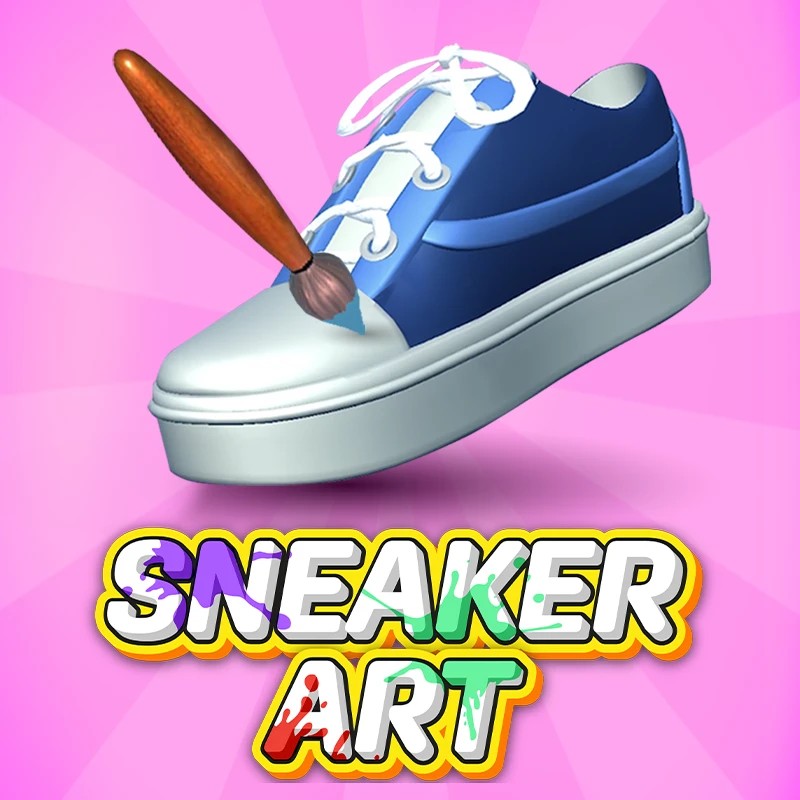
Sneaker Art! – Coloring Games is the ultimate creative playground and simulation suite for sneakerheads, customizers, and aspiring fashion designers. Stepping into the role of Lead Designer for an independent footwear studio, players have absolute creative control over a vast catalog of footwear canvas styles—ranging from classic retro basketball high-tops and minimalist skate shoes to futuristic techwear kicks. Hosted on the Decent Games portal, the gameplay loop transitions from a relaxing digital coloring book into an entrepreneurial management game where you paint panels, string laces, apply vinyl stickers, box up finished stock, and sell your custom colorways on a simulated hype-driven streetwear market.
🎮 Gameplay Overview
-
3D Panel-by-Panel Segmentation: Footwear models are divided into distinct, reactive texture panels (vamp, mudguard, swoosh/stripe, midsole, and heel counter). This crisp mesh mapping allows players to apply isolated colors or materials precisely without messy bleeding.
-
Advanced Material & Texture Engine: Beyond baseline matte paint, the 2026 build introduces premium material shaders. Designers can unlock and wrap models in high-definition textures like lightweight carbon fiber weave, reflective holographic silver, tactical mesh, or luxury crocodile leather.
-
ASMR Sensory Customization: The active assembly process features a highly satisfying ASMR audio overlay. The game captures haptic-style sensory audio profiles—such as the soft hiss of an aerosol spray can, the rhythmic friction of a paint brush, and the tactile snap of threading eyelets.
-
Market Evaluation & Career Progression: In Mission Mode, finished designs are evaluated based on adherence to client briefs and current streetwear aesthetic trends. High scores dictate a shoe's final virtual resale market value, generating the capital needed to stock new blank silhouettes and purchase premium decals.
🕹️ Official Control Guide (Browser & Desktop)
| Action Matrix | Desktop (PC / Keyboard) | Operational Tactical Design Focus |
| Select Color / Tool | Mouse Left Click | Cycle through your color wheel, spray cans, brushes, and custom decals. |
| Paint / Apply Asset | Click & Drag (Left Click) | Apply pigment or brush strokes directly onto a highlighted footwear panel. |
| 360° Model Orbit | Right Click & Drag | Swivel the 3D model canvas to inspect your colorway from any angle. |
| Optical Zoom adjustment | Mouse Scroll Wheel | Zoom in for granular lace details or pull back to analyze the silhouette balance. |
| Undo Last Stencil | Ctrl + Z | Instantly reverse your last brush stroke or sticker placement. |
| Box Up & Monetize | Spacebar | Complete the design, place the pair into a custom box, and trigger market appraisal. |
💡 Master Designer Tactics: Winning Strategies
Maximize Precision Tier Brief Ratings 📝
When running through the core Mission Mode career track, do not treat client requests as loose suggestions. The evaluation engine scores your final payout based on mathematical color-matching algorithms. Look closely at the requested colorway panel targets before spraying. Securing a perfect 3-star accuracy rating is the absolute fastest way to farm coin tokens, which are mandatory to unlock high-tier, profitable texturing assets like Carbon Fiber and iridescent metallic paint coats.
Execute the Spray-to-Brush Layering Protocol 🎨
To give your colorways a professional, high-end look, avoid using a single paint utility for an entire shoe. Standard brushes can leave harsh edges on large panels, while spray cans can bleed if mismanaged. Utilize a systemic layering strategy: select the Spray tool first to lay down smooth, flawless gradient tones or base layers across wide open areas like the toe box or midsole. Once the base coat is locked down, switch to the fine Brush tool to fill in sharp, crisp lines along narrow seams, piping, and small structural accents.
Capitalize on Custom Lace Stringing Bonuses ⛓️
Never treat the lacing phase as a chore to rush through at the end of a build. The lacing mechanic functions as an independent cash multiplier. Sneaker Art! features an expansive library of lace styles, varying from flat cotton bands to glowing neon cords. Pay close attention to the flashing directional arrows guiding the "tie-up" sequence on your screen. Perfectly mirroring these complex lace weaving paths avoids formatting errors and triggers a substantial Shop Cash Bonus upon completion.
Sync Your Inventory with Streetwear Trend Metrics 📈
Before submitting a freestyle colorway to the open market box, audit the active global trend board on your studio dashboard. The simulated market engine continually shifts the value of specific color palettes. Aligning your custom designs with active high-demand trends—such as combining high-contrast "Cyber Lime" accents with stealthy matte blacks, or wrapping panels in "Holographic Silver" filters—causes your final product's popularity rating to spike, driving up bidding wars and maximum selling prices.
🌍 Preservation & Device Compatibility
Play Sneaker Art! – Coloring Games unblocked securely at work or school via verified Decent Games preservation portals. Built on an optimized WebGL 3D canvas pipeline inside a low-impact HTML5 script structure, the engine coordinates dynamic lighting reflections, material texture mapping, and high-fidelity ASMR audio streams cleanly at a locked, stable 60FPS. The lightweight web wrapper easily clears strict educational and corporate network firewalls, rendering lag-free creative simulation sessions directly inside modern internet browser tabs across Chromebooks, portable laptops, and desktop computers with no standalone client installations required.
![[GAMENAME]](/[BGIMGURL])
 [RATE]