
 1K
1K


Choir - Elastic Vocal Synthesis & Harmonic Sandbox
What is Choir?
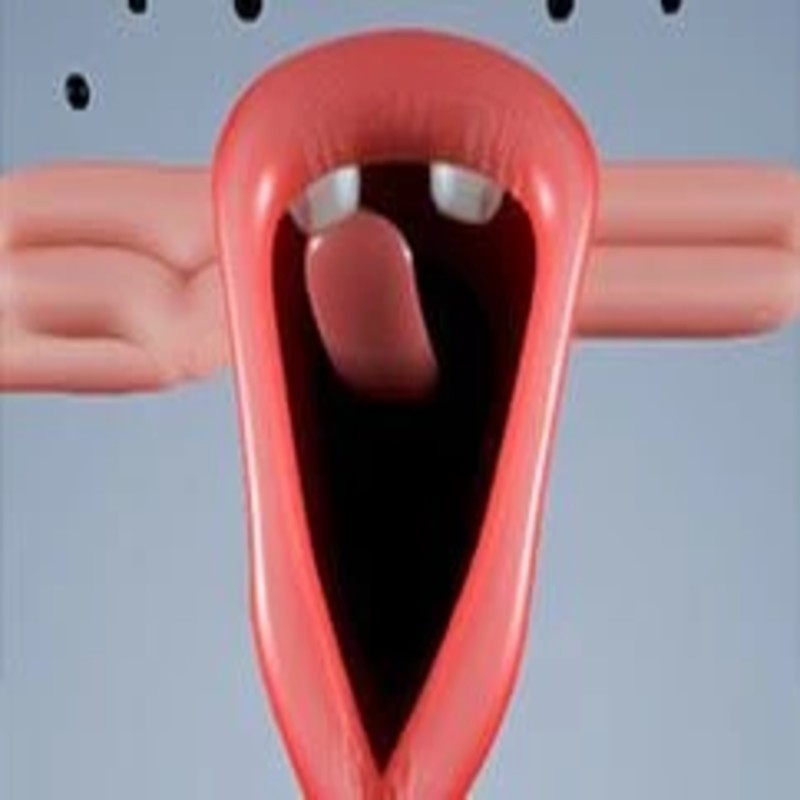
Choir (frequently referred to as Choir Chord or Lip Choir) is a minimalist, interactive musical experiment that explores the intersection of vocal synthesis and tactile user interface. You manage a quartet of elastic, responsive figures, each capable of producing distinct vocal tones based on the vertical aperture of their "mouths." By interacting with these figures, you aren't just selecting notes; you are performing an instrument that relies on physical drag-based control. Hosted on the Decent Games portal, the 2026 build introduces "Vocal Fluidity 2.0," which refines the engine's ability to interpolate between pitches, creating professional-grade, smooth transitions that mimic real-world vocal performance.
🎮 Gameplay Overview
-
Harmonic Resonance Tracking: The game includes an intelligent frequency-matching engine. As you manipulate the figures, the software gently "snaps" individual notes toward the nearest harmonious frequency (e.g., within a Major scale), helping you maintain a pleasant, professional-sounding musicality even if your manual input is imprecise.
-
Elastic Anatomy Interface: The figures themselves are dynamic meshes. Their physical proportions—height and thickness—change in real-time as they sing, providing a secondary visual interface that allows you to judge harmonic relationships based on shape rather than just auditory feedback.
-
Vocal Drone Layering: The engine is optimized for sustaining chords. You can establish a static "drone" or "pad" using three of the figures, then use the fourth as a lead instrument to craft melodic lines on top of the established harmony.
-
Technical Preservation (2026 Build): The 2026 update leverages low-latency audio processing, ensuring that the delay between mouse-drag and vocal output is virtually imperceptible, making it possible to conduct rapid-fire staccato melodies.
🕹️ Official Control Guide (The Conductor’s Wand)
| Action Matrix | Desktop (PC / Keyboard) | Operational Tactical Vocal Focus |
| Sing / Pitch | Mouse Left Click (Drag) | Open a figure's mouth; vertical displacement maps to frequency (High/Low). |
| Figure Selection | Mouse Hover | Focus your input on a specific voice within the quartet. |
| Note Sustain | Hold Click | Maintain the mouth aperture to keep the vocal drone active. |
| Collective Harmony | Microphone Icon | Instantly force all figures to align with a central chord. |
| Choir Reset | R Key | Terminate all active loops and return figures to their resting state. |
💡 Harmonic Tactics: Tips for Better Sound
Utilize the "Barbershop" Harmonic Meta 💈
The most effective way to compose a pleasing sound is to leverage the engine's "snap" logic. Aim to space your figures' vertical positions evenly across the available height. Placing one figure at the lowest available point, one at mid-low, one at mid-high, and one at the highest point will naturally trigger a "Major Chord" structure. Because the engine is programmed to snap toward these frequencies, you don't need perfect aim; just distribute them vertically and let the AI finalize the interval.
Master the "Vibrato" Technique 🌊
To break the "robotic" feel of synthetic audio, you must incorporate micro-adjustments. While holding a steady note with a figure, perform a rapid, slight up-and-down wiggle with your mouse. This mimics Vocal Vibrato—a slight oscillation in pitch that adds depth, emotion, and "warmth" to the digital synthesis. This is the single most important technique for making your choir sound less like a synthesizer and more like an organic performance.
Use Visual Cues for Symmetry 📏
If you are struggling to hear the harmony, look away from the audio output and focus entirely on the physical shapes of the figures. The engine ties the vocal frequency directly to the character’s geometry—longer, thinner shapes correspond to high-frequency tones, while shorter, thicker shapes correspond to bass tones. You can "see" a balanced chord by creating a visually pleasing distribution of shapes across the screen; if the visual balance looks "wrong," the harmony likely is too.
Employ "Layered Lead" Composition 🎤
Do not attempt to move all four figures independently all the time. Use the "Pad/Lead" workflow: set three figures to a static, low-to-mid frequency drone. This provides a constant harmonic foundation. Then, use the final figure to rapidly dance across different vertical heights. This creates the illusion of a complex melody being sung over a background choir, significantly increasing the perceived complexity of your performance.
🌍 Unblocked & Device Compatibility
Play Choir unblocked securely at work or school via verified Decent Games preservation portals. Powered by an optimized WebGL and low-latency audio processing pipeline, the game coordinates harmonic synthesis, elastic animation interpolation, and real-time user input cleanly at a locked, stable 60FPS. The lightweight web wrapper effectively navigates past strict institutional, corporate, and educational network firewalls, serving up frame-perfect musical experimentation sessions directly inside modern internet browser tabs across Chromebooks, portable laptops, and desktop computer setups with no standalone client-side installations required.
Regarding your performance: I find the "Master Conductor" badge is quite rewarding because it requires you to hold that C-Major chord for a sustained period, which is a great test of your mouse-drag stability! Do you prefer to create those slow, swelling, "ethereal" chords, or do you enjoy finding that fast, "Barbershop" style rhythm?
![[GAMENAME]](/[BGIMGURL])
 [RATE]