
 1K
1K
Ninja Obby Parkour - High-Speed Shinobi Obstacle Sandbox
What is Ninja Obby Parkour?
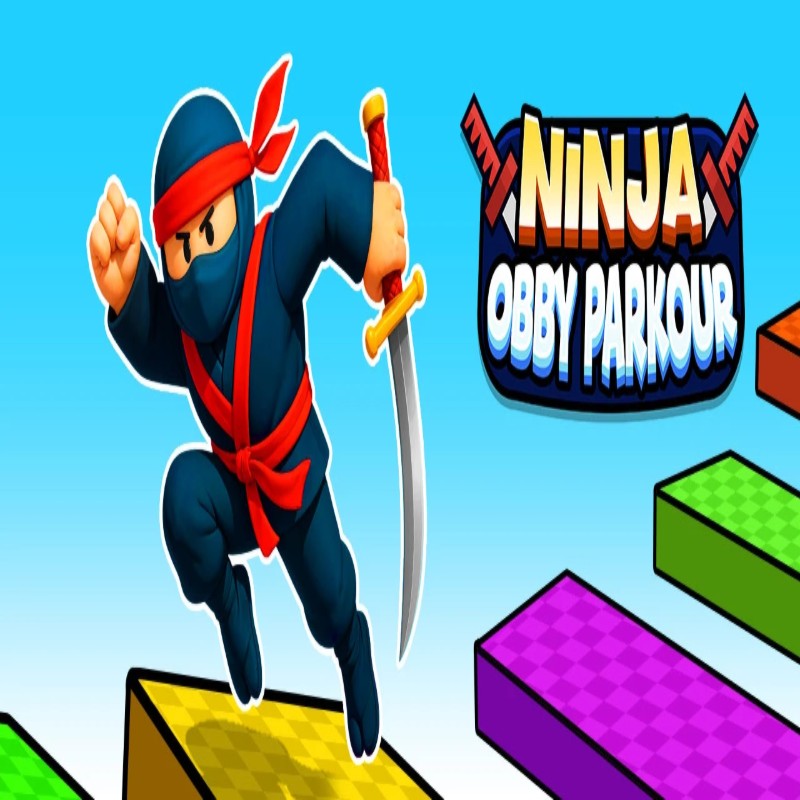
Ninja Obby Parkour is an exhilarating, physics-driven multiplayer obstacle course game that elevates the traditional "Obby" formula into a high-speed martial arts masterclass. Featured on the Decent Games platform, players pilot agile shinobis—complete with iconic anime sprint styles, spinning kicks, and barrier-shattering physical properties. Whether you are scaling perilous vertical gaps solo, racing against aggressive NPC speedrunners, or sharing a keyboard with a friend in a dedicated local 2-player split-screen showdown, the game demands frame-perfect execution and rapid parkour reflexes.
🎮 Gameplay Overview
-
Shadow-Step Mobility Engine: Movement focuses heavily on momentum-preservation mechanics. The 2026 physics overhaul introduces refined mid-air dashes and extended double-jump physics to maximize airborne navigation.
-
Local 2-Player Versus Support: The game layout supports dual-input mappings straight out of the box, allowing two players to share a single desktop interface for classic couch-co-op style racing.
-
Dynamic Kinetic Traversals: Reaching peak sprint velocity allows characters to automatically plow through structural debris, wooden crates, and checkpoint barriers without suffering collision penalties or speed drops.
🕹️ Controls & Navigation
| Action | Player 1 (Left Keyboard) | Player 2 (Right Keyboard) | Tactical Summary |
| Move / Navigate | WASD Keys | Arrow Keys | Steer your ninja through lane obstacles; hold continuously to trigger a specialized sprint. |
| Jump / Shadow-Step | Spacebar | Numpad 0 or Enter | Vital for clearing structural pits. Tap a second time mid-air to execute a double jump. |
| Mid-Air Dash | Shift Key | Numpad Period (.) | Execute a rapid horizontal lunge mid-flight to stretch your trajectory across massive gaps. |
| Spinning Kick | Q or E Key | Numpad 1 or 2 | Manually smash intercepting obstacles or stagger your local split-screen opponent. |
| Pause Menu | Escape Key | P Key | Freeze the rendering timeline to toggle graphic layouts or check checkpoint splits. |
💡 Shinobi Tactics
-
Calibrate the Double-Jump Reset: Avoid panic-mashing your jump input the instant your feet leave a platform edge. To cross the arena's widest geometric divides, delay your second input. Waiting until your character reaches the absolute lowest frame of their initial downward arc before triggering the second jump stretches your momentum vector to its absolute physical limit.
-
Weaponize the Automated Ninja Sprint: Keep your forward movement keys firmly held down. Moving continuously for more than 2 seconds locks your character into a specialized, high-velocity "Naruto run" stance. While operating in this hyper-sprint state, your ninja automatically executes passive spinning kicks that clear away loose crates and blocking balls without shedding a single frame of forward speed.
-
Prioritize Trajectory Modification Gates: When sprinting through diverging path options, always steer your shinobi directly toward the glowing Flight Mode or Giant Mode alteration gates. Flight mode allows you to lift entirely off the ground to bypass complex jumping puzzles, while Giant Mode expands your physical defense parameters, allowing you to walk straight over red-zone death traps unharmed.
-
Smash Checkpoint Glass at Full Sprint: Do not break your pacing or slow down when approaching structural checkpoint gates. If you cross the checkpoint line while traveling at maximum sprint velocity, your character's kinetic aura will automatically shatter the decorative glass doors on impact, cleanly maintaining your speed profile into the next level segment.
🌍 Unblocked & Device Compatibility
Play Ninja Obby Parkour unblocked securely at work or school via Decent Games. Powered by an optimized HTML5 pipeline and responsive WebGL rendering assets, the game processes complex split-screen viewports, real-time physics interactions, and low-latency inputs at a stable 60FPS. It naturally clears strict corporate and educational network firewalls, allowing for instant, zero-install multiplayer platforming directly inside modern internet browsers on Chromebooks, standard laptops, and desktop rigs.
![[GAMENAME]](/[BGIMGURL])
 [RATE]