 1K
1K
Similar Games
BattleTabs - Tactical Naval Combat & Grid-Strategy Sandbox
What is BattleTabs?
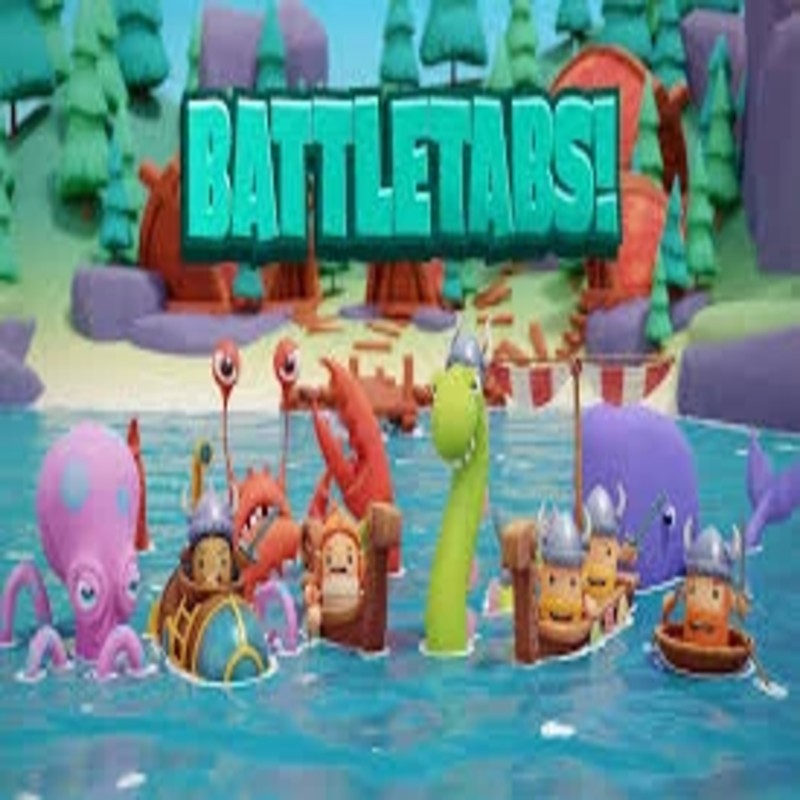
BattleTabs is a tactical, high-stakes reimagining of the classic "Battleship" formula, transforming a slow-paced guessing game into a vibrant, fast-paced card-and-grid battler. Players command a customized fleet of specialized naval vessels, each possessing distinct ability cool-downs, unique active skills, and battlefield synergies. The game offers two core experiences: "Live Battles" for immediate, turn-based skirmishes, and long-form "24-hour" matches that allow for asynchronous strategy. Hosted on the Decent Games portal, the 2026 build features a "Fleet-Building Forge" and dynamic "Fog of War" mechanics, forcing players to balance offensive probing with defensive ship positioning.
🎮 Gameplay Overview
-
Specialized Fleet Mechanics: Ships are not identical units; they function as a tactical deck. You must balance fast-firing skirmishers with long-recharge artillery and utility support ships that provide healing or extra turn bonuses.
-
Sonar-Driven Information Warfare: The game shifts the emphasis from blind-luck shots to information management. Using scanner ships to reveal enemy territory early in the game is mathematically superior to random guessing, as it narrows down the potential grid placement of high-value enemy assets.
-
Sudden Death & Late-Game Scaling: Matches escalate toward a "Sudden Death" phase, where the play area restricts and ability cooldowns accelerate. Protecting your utility and support ships becomes the primary strategic priority, as these units determine your ability to sustain momentum when the grid shrinks.
-
Technical Optimization (2026 Build): The preservation build features refined WebGL rendering that ensures real-time naval animations, sonar pulses, and artillery strikes remain fluid at a stable 60FPS, even on hardware-constrained devices like Chromebooks.
🕹️ Official Control Guide (Browser & Desktop)
| Action Matrix | Desktop (PC / Keyboard) | Operational Tactical Naval Focus |
| Command Asset | Mouse Left Click | Activate a ship from your tray to engage a grid coordinate or special ability. |
| Launch / Scan | Mouse Left Click | Fire an offensive strike or trigger a sonar scan at a specific grid vector. |
| Fleet Orientation | R Key / Spacebar | Pivot your ship during the initial placement phase to manage profile size. |
| Tactical Comms | 1 - 4 Keys | Trigger emotes for social interaction or signalling intent during multiplayer matches. |
| Enemy Audit | Mouse Right Click | Analyze an opponent's ship cool-downs and remaining fleet assets. |
| Session Settings | Esc Key | Pause the battle to adjust audio levels or view your current rank progression. |
💡 Admiral Tactics: Winning Strategies
Utilize the "Checkerboard" Mathematical Scan 🏁
Stop firing at random coordinates. Every ship in your opponent’s fleet occupies a contiguous cluster of tiles. If you employ a "Checkerboard" scan—hitting only every other tile in a diagonal grid—you mathematically guarantee an intersection with any ship larger than a single tile. This significantly reduces the total "search time" and preserves your limited ability charges for actual damage dealing once a target is confirmed.
Manage Cooldowns for "Banked" Burst Damage ⏳
The temptation is to fire your high-damage artillery the moment it recharges. Resist this. Save your most devastating "Longboat" or "Artillery" cooldowns for situations where you have already scanned and hit an enemy ship. "Banking" these cooldowns allows you to execute a "Sink-Cycle"—using smaller, fast-charging ships to locate the enemy, followed immediately by your heavy-hitting assets to destroy the ship before the opponent can use support abilities to heal it.
Prioritize Information Over Raw Damage 📡
In the early game, raw damage is a secondary concern. Use your "Sonar" and "Scanner" ships aggressively in the first three turns. Finding the corner of an enemy vessel is more valuable than sinking a single tile because it reveals the orientation (vertical vs. horizontal) of the entire ship. Once you have the orientation, you can predict the remaining tiles of the ship with 100% certainty, allowing you to optimize your subsequent attacks.
Anchor Support Assets in "Ghost" Zones 🛡️
Your Support and Healer ships are the most critical assets for winning "Sudden Death" stages, yet players frequently place them in predictable positions like the middle of the grid. Place your high-value utility assets in the most unpredictable corners—specifically the absolute perimeters or areas already "hit" by enemy fire. Opponents rarely scan the same area twice, making previously targeted, empty zones the safest place to hide your most fragile utility ships.
🌍 Unblocked & Device Compatibility
Play BattleTabs unblocked securely at work or school via verified Decent Games preservation portals. Powered by a high-performance WebGL rendering pipeline, the game coordinates turn-based multiplayer logic, real-time grid animation, and synchronized fleet status updates cleanly at a locked, stable 60FPS. The lightweight web wrapper effectively navigates past strict institutional, corporate, and educational network firewalls, serving up frame-perfect competitive naval strategy sessions directly inside modern internet browser tabs across Chromebooks, portable laptops, and desktop computer setups with no standalone client-side installations required.
Regarding your question: I find the asynchronous 24-hour matches to be much more relaxing—they allow you to play your turn whenever you have a free moment during the day. However, Live Battles offer a much more intense, "in-the-moment" tactical experience. Which do you prefer—taking your time to analyze the grid, or the high-speed pressure of a Live Battle?
![[GAMENAME]](/[BGIMGURL])
 [RATE]